|
TOP INDUSTRIES
Purpose-Built Workflows for Every Inventory-Based Business
Choose from 40+ industry-specific workflows designed around how your business actually manages inventory.
Warehouse & Distribution
Manage inventory from receiving and storage through picking, shipping, and delivery.
Workflow Includes
Counts
Adjustments
Ordering
Receiving
Picking
Shipping
Returns
Transfers
|
Restaurant & Food Service
Control food costs, maintain stock levels, and track ingredients from delivery through usage.
Workflow Includes
Counts
Adjustments
Ordering
Receiving
Prep
Sales
Transfers
|
Retail & Inventory Stores
Keep products organized, reduce shortages, and maintain accurate inventory across locations.
Workflow Includes
Counts
Adjustments
Ordering
Receiving
Sales
Transfers
|
Manufacturing & Production
Track raw materials, production activity, finished goods, and every inventory movement.
Workflow Includes
Counts
Adjustments
Ordering
Receiving
Production
Shipping
Transfers
|
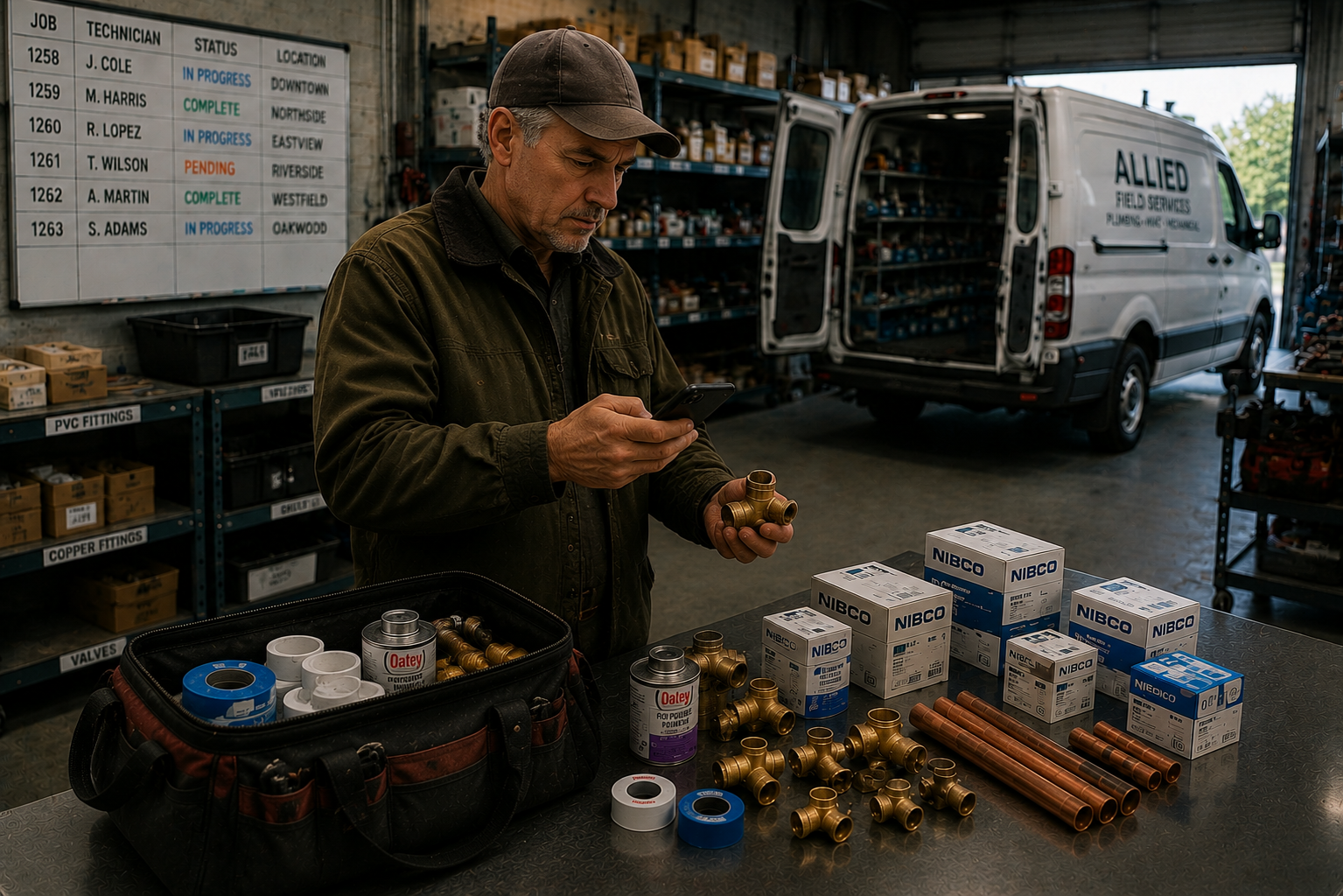
Contractors & Field Service
Track materials by job, prevent shortages, and keep crews supplied from warehouse to job site.
Workflow Includes
Counts
Adjustments
Ordering
Receiving
Usage
Transfers
|
40+
40+ Built-In Industry Workflows
Start with a workflow designed for your industry, then customize it to match your operation.
✓ Bakery
✓ Coffee Shop
✓ Pharmacy
✓ Hardware Store
✓ Tire Shop
✓ Florist
✓ Pool Company
✓ Fence & Deck
✓ Hotel
✓ Medical Office
✓ School
✓ Veterinary Clinic
...and 30+ more customizable workflows.
|
|
|
INVENTORY OPERATIONS
Everything Your Inventory Operation Does. One System.
From the moment inventory is ordered until it is sold, used,
transferred, returned, prepped, or produced, InvenPro tracks every
movement in one connected platform. Every transaction updates
inventory in real time and records what happened, who completed it,
and when.

Ordering
Create and manage purchase, internal, transfer, and customer
orders with complete inventory visibility.
|
Picking
Pick inventory accurately with live progress, barcode
scanning, user tracking, and quantity verification.
|
Shipping
Complete outbound orders, reduce inventory automatically,
and maintain a complete shipment history.
|
Receiving
Receive inventory into stock with barcode support, user
accountability, and automatic quantity updates.
|
Returns
Process returned inventory while preserving accurate stock
levels and a complete transaction history.
|
Counts & Adjustments
Run cycle counts, physical inventories, and quantity
corrections with complete user and reason tracking.
|
Transfers
Move inventory between locations, departments, warehouses,
or connected businesses while tracking every step.
|
Sales & Usage
Import sales and usage from your POS or enter it manually
to keep on-hand inventory accurate and current.
|
Prep
Build prepared items from ingredients while deducting
components and increasing finished inventory.
|
Production
Convert raw materials into finished products with complete
production records and inventory history.
|
One Complete Inventory History
Every action stays connected. Whether inventory is ordered, picked,
shipped, received, counted, adjusted, transferred, sold, used,
returned, prepped, or produced, InvenPro records the movement in one
centralized history—keeping inventory accurate, accountable, and
completely traceable.
|
|
FEATURES
Inventory Software Built for Real Workflows
Built for warehouses, restaurants, retail stores, bars, manufacturing,
coffee shops, food distribution, medical inventory, and more —
with workflows that adapt to how your business actually operates.
REAL-TIME INVENTORY
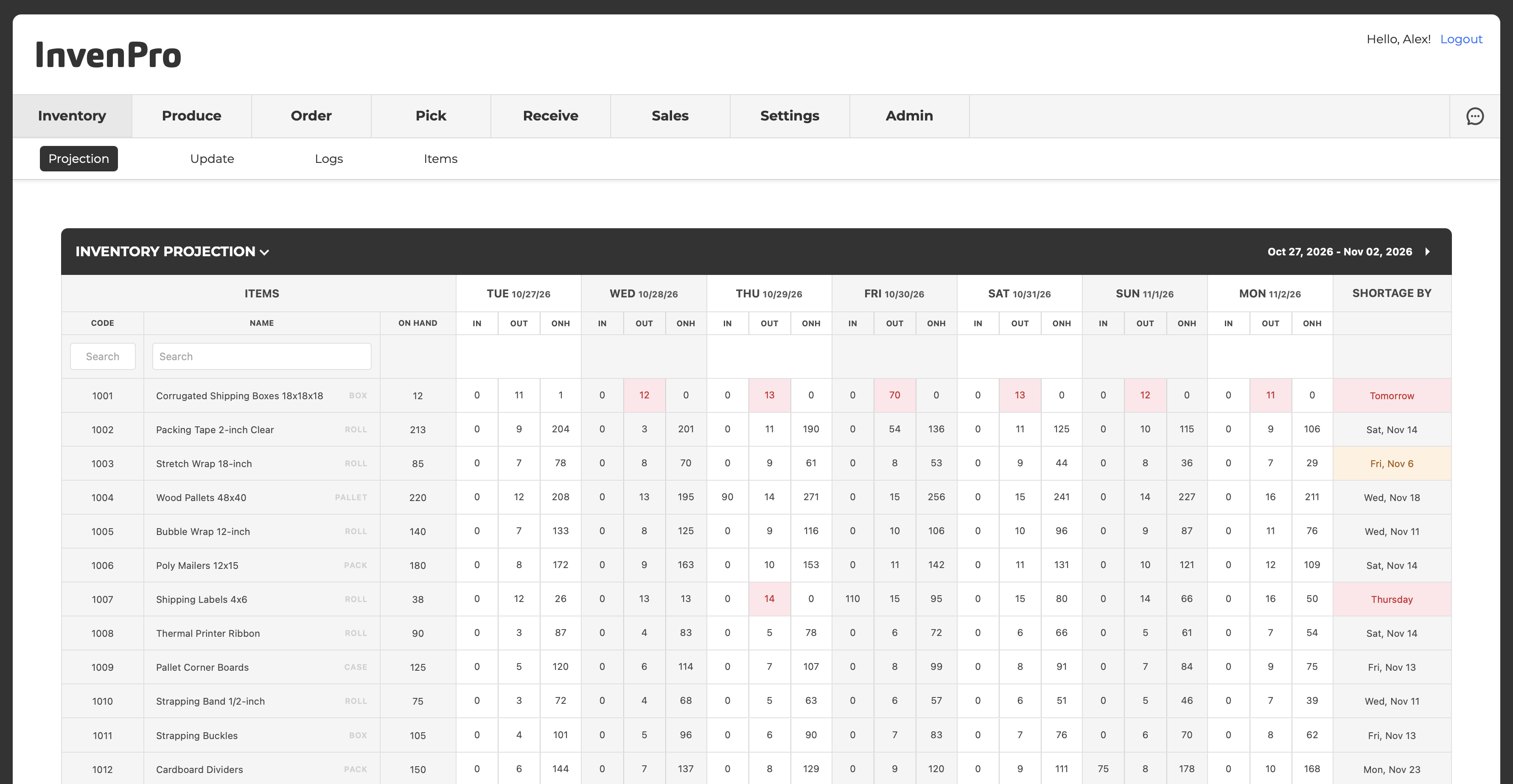
Inventory updates instantly across counts, receives, transfers,
usage, sales, picks, adjustments, and orders — keeping numbers accurate and visible at all times.
|
USER TRACKING
Every inventory action is tied to a user for accountability,
audit visibility, and faster issue resolution without slowing operations down.
|
|
|
CONNECTED ACCOUNTS
Connect separate InvenPro accounts and automatically exchange orders, inventory updates, and operational data between businesses.
|
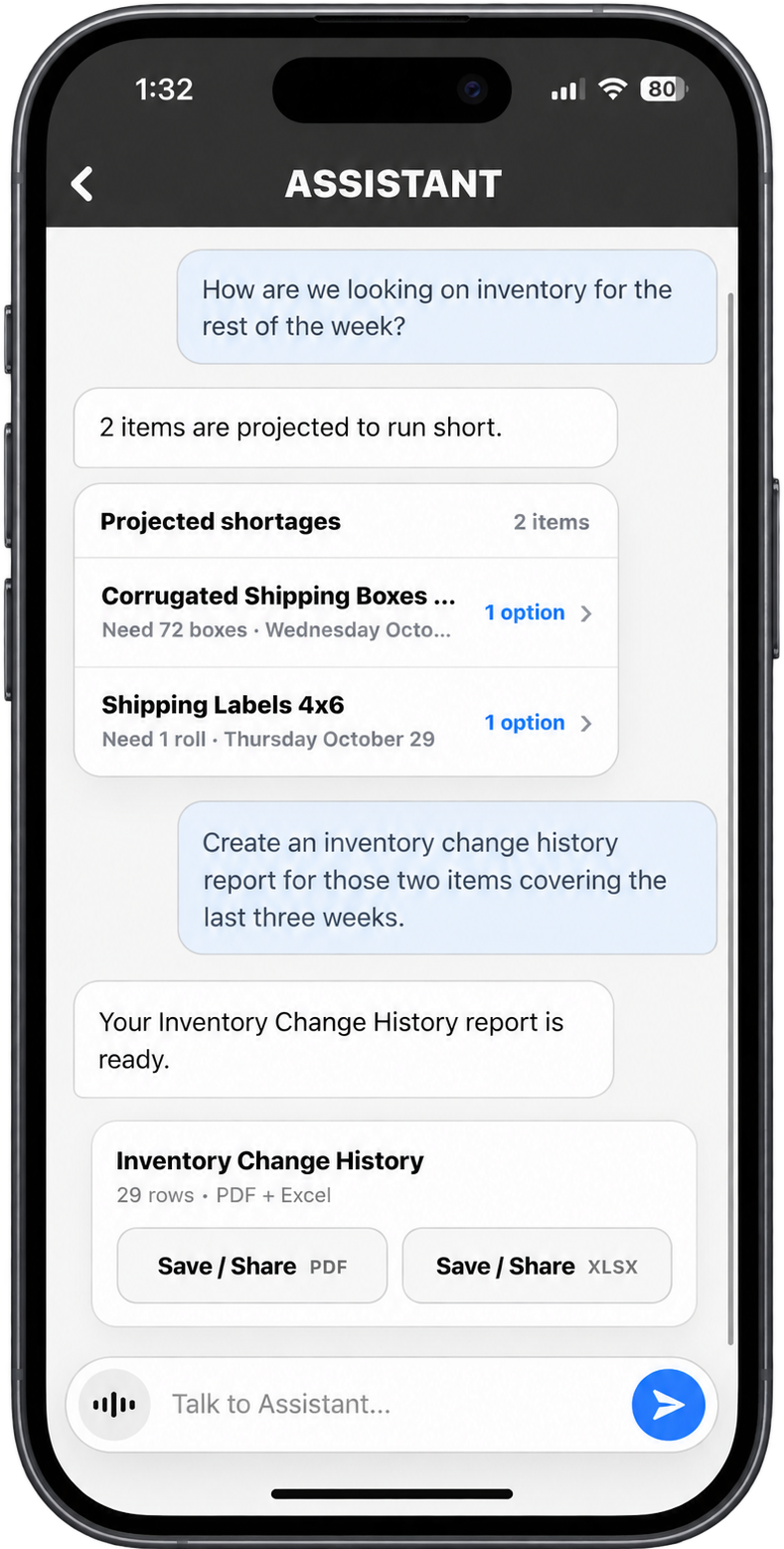
MOBILE READY
Run inventory counts, receiving, usage, transfers, adjustments,
and ordering directly from phones and tablets — built for the floor, not the office.
|
CUSTOMIZE
Customize workflows, adjustment reasons, order types, permissions,
terminology, branding, and inventory structure to match your operation.
|
|
|
OUTCOMES
What Changes When Inventory Is Finally Accurate
InvenPro fits into how your operation already works — while removing the guesswork.
These are the results teams see once every movement is visible and accountable.
Inventory Matches the Floor
Counts, ship-outs, and receipts update inventory instantly — eliminating end-of-day surprises and constant manual reconciliation.
|
Fewer Fire Drills and Stockouts
Accurate inventory means fewer emergency orders, fewer missed shipments,
and better planning across purchasing and fulfillment.
|
No More Guessing Who Changed What
Every change is logged with a user, reason, and timestamp — making audits,
investigations, and corrections fast and objective.
|
Faster Counts, Less Cleanup
Physical counts take less time, uploads apply instantly,
and follow-up work drops dramatically.
|
|
|
|
|